Uploading
Processing file 0 of 1
Preparing file... (--)
0%
Add image or text watermark to PDF documents
Add text or image watermark to PDF documents for your security. This software works on all desktop platforms including Mac.
You can be assured that your files are safely uploaded over an encrypted connection. The files will permanently be deleted after processing.
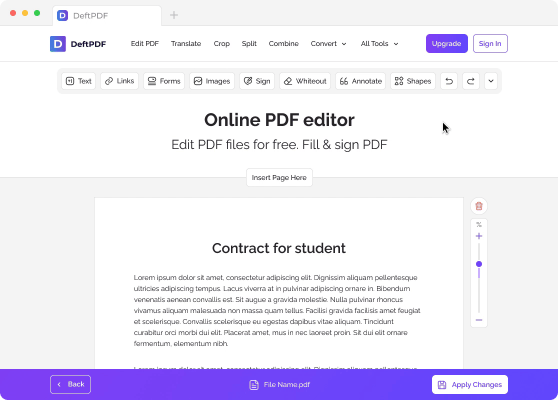
After uploading the file, a preview of your document will be seen with 2 available options: “Add Text Watermark” and “Add Image.”


希望の透かしが作成され配置されたら、「PDFに透かしを追加」をクリックします。処理後に「ダウンロード」をクリックしてコンピューターに保存してください。Dropbox や Google Drive などのオンラインストレージに保存したり、メールで共有したり、新しい文書を印刷したり、名前を変更したり、別のタスクで編集を続けることもできます。

The task is limited to 1 file and maximum file size of 50 MB.
Please upgrade to the Premium plan to be able to process up to 10 ファイル per task and up to 4 GB of file size.
