Uploading
Processing file 0 of 1
Preparing file... (--)
0%
Add image or text watermark to PDF documents
Add text or image watermark to PDF documents for your security. This software works on all desktop platforms including Mac.
You can be assured that your files are safely uploaded over an encrypted connection. The files will permanently be deleted after processing.
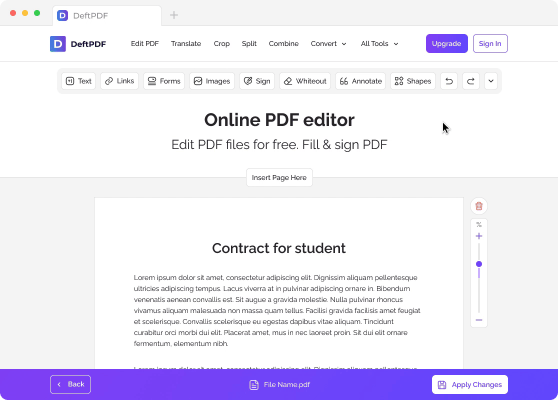
After uploading the file, a preview of your document will be seen with 2 available options: “Add Text Watermark” and “Add Image.”


Une fois que le filigrane souhaité a été créé et placé, cliquez sur « Ajouter un filigrane au PDF ». Ensuite, cliquez sur « Télécharger » après le traitement pour l'enregistrer sur votre ordinateur. Vous pouvez également l'enregistrer dans votre espace de stockage en ligne, comme Dropbox ou Google Drive, le partager par e-mail, imprimer le nouveau document, le renommer ou même continuer à l'éditer en lançant une nouvelle tâche.

The task is limited to 1 file and maximum file size of 50 MB.
Please upgrade to the Premium plan to be able to process up to 10 fichiers per task and up to 4 GB of file size.

By logging in with Google you agree to the terms and privacy policy