How to Convert PDF to Excel in Seconds with DeftPDF
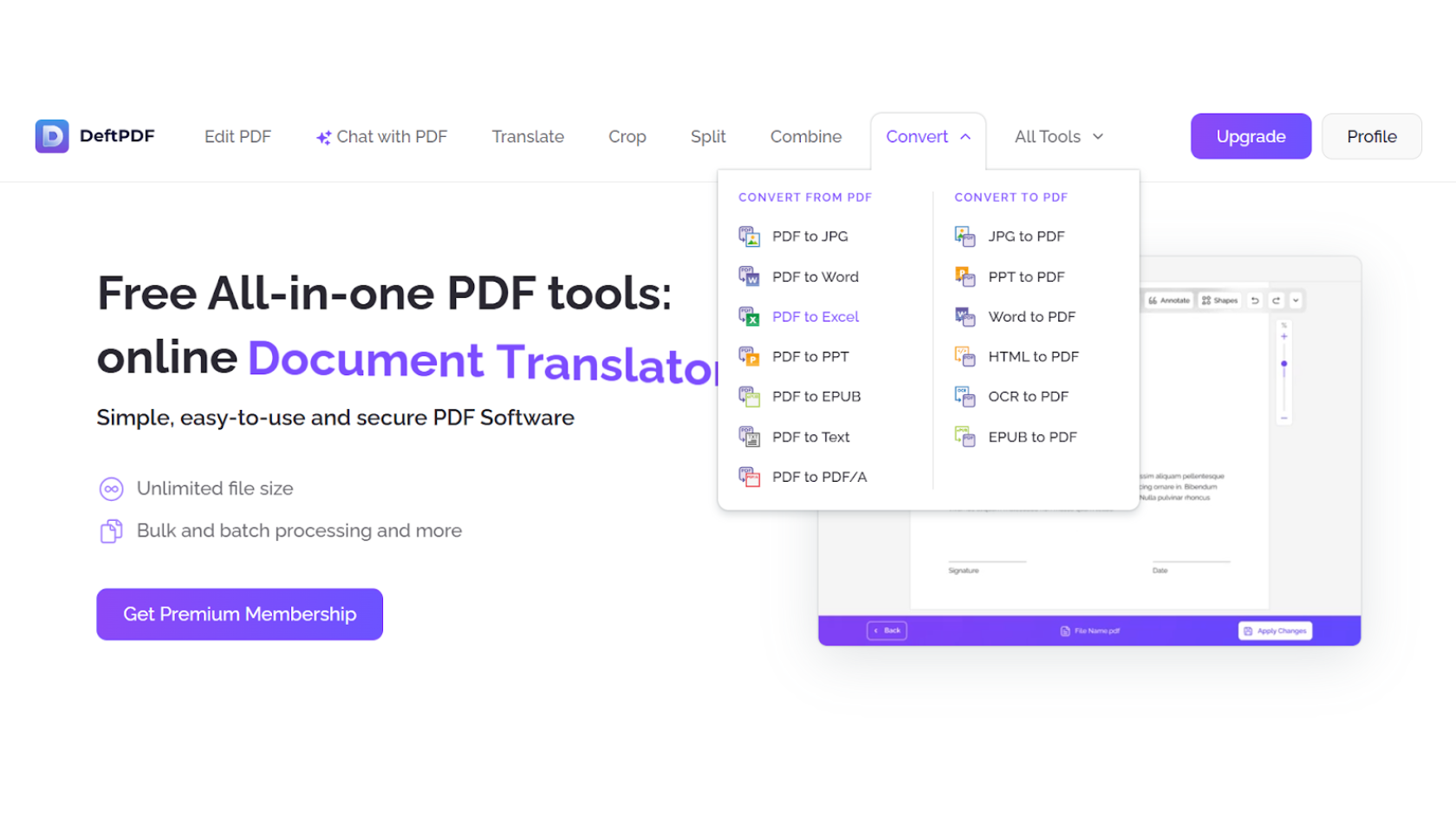
1.Visit DeftPDF.com and select PDF to Excel on the Convert dropdown
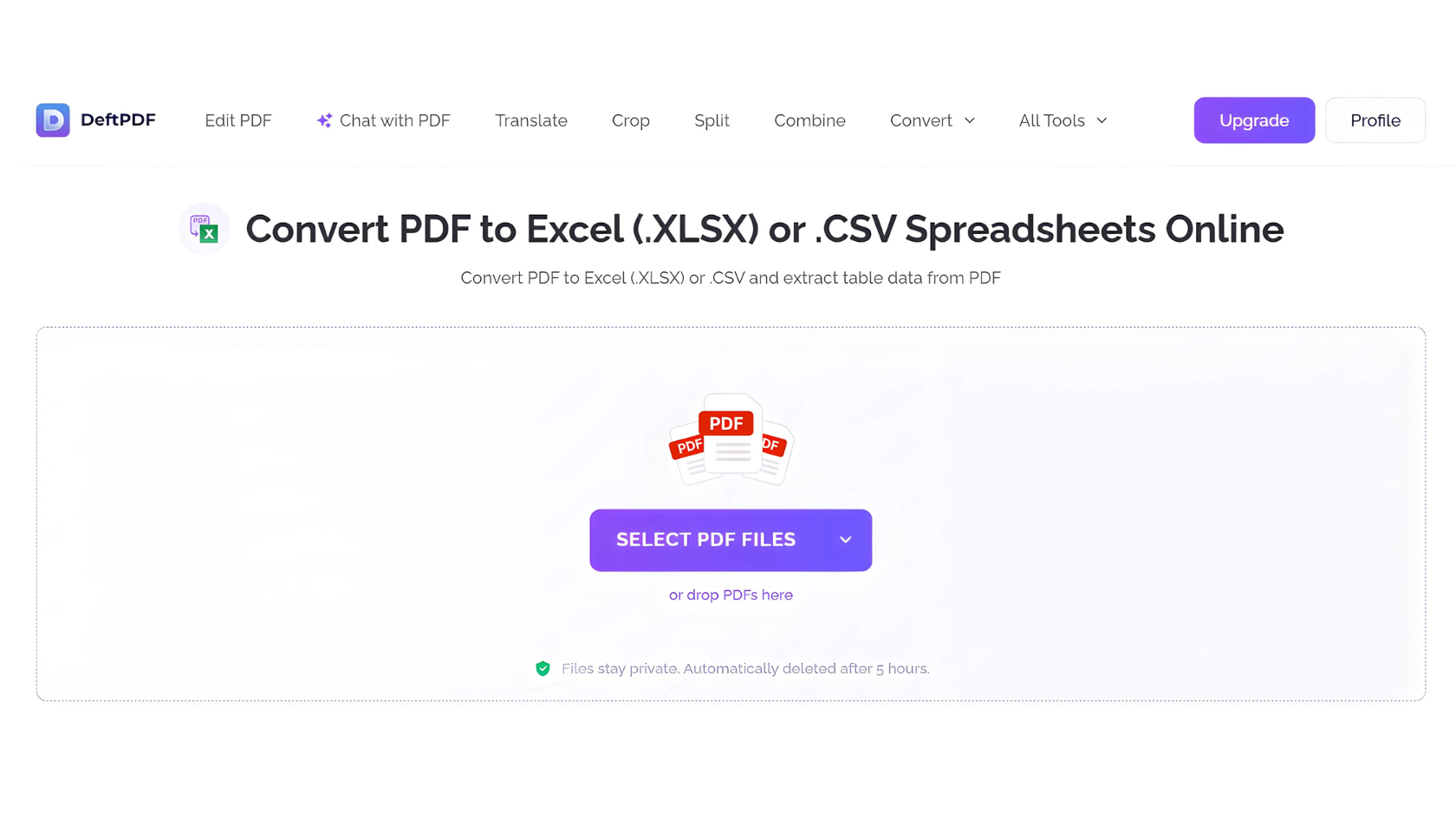
2.Upload your PDF file.
Note: To upload files from Dropbox, Google Drive or from a website where your files are located, expand the drop-down list and select your files.
3.Let the AI do its work.
4.Download your clean, editable Excel file.
Thats it-your data is now ready for sorting, analyzing, or sharing
Here is how DeftPDF makes it easy:
Smart AI recognition - Accurately extracts tables, rows, and columns.
No retyping needed - Save hours by avoiding manual input.
Preserved formatting - Keep the structure intact for quick analysis.
Accessible online - No need to install software-just upload, convert, and download.
Whether you are a student, accountant, analyst, or business owner, time is your most valuable resource. By automating repetitive tasks, DeftPDF allows you to focus on what really matters-making decisions, finding insights, and getting work done faster.
Explore more of our PDF tools at DeftPDF
Read next:How to Create an Editable Leave Request Form in PDF with DeftPDF